How to Improve Typing Speed: A Practical Guide Backed by Research
Get the short answer first, then use the benchmarks, examples, and BrainRivals practice links to turn the idea into a measurable result.
Quick Answer
This guide turns an abstract idea about brain training into something you can notice, measure, and improve. The fastest way to use it is to read the benchmark first, compare it with your own context, then run a related BrainRivals test under the same conditions for a cleaner before-and-after signal.
Key takeaways
- Start with the practical benchmark, not the trivia.
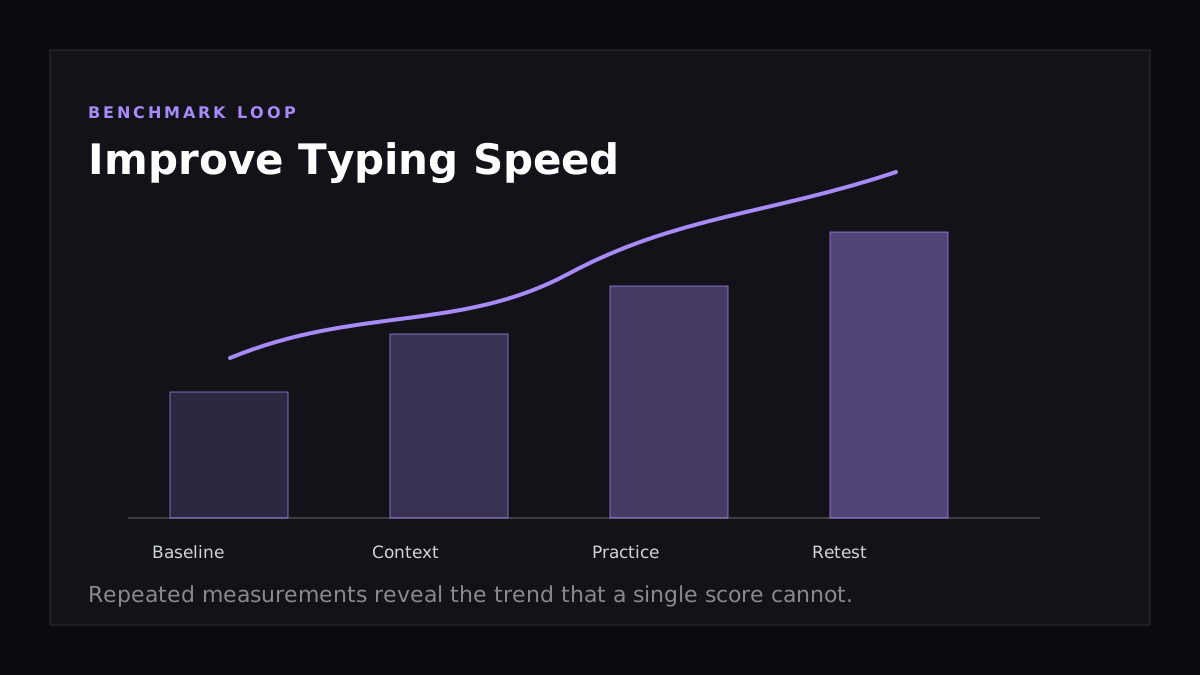
- Treat one score as a snapshot and repeated scores as the real signal.
- Use the Typing Speed as the next measurable step.
How to Use This Guide
Use the article in three passes: scan the quick answer, check the tables or examples that match your situation, then pick one action to test this week. That keeps the article useful even if you only have a few minutes, while still giving you enough detail to come back for deeper context.
Why Typing Speed Still Matters
The keyboard is still the primary interface between your thoughts and the screen. A developer typing at 40 WPM versus 80 WPM ships meaningfully more code over a year. A writer at 30 WPM versus 70 WPM produces twice the first-draft volume. The bottleneck isn't your brain — it's your fingers.
The good news: typing is a motor skill, and motor skills respond predictably to deliberate practice. With the right approach, most people can move from 40 WPM to 70+ WPM in 4–8 weeks.
You can establish your baseline on the BrainRivals Typing Speed Test before starting any training plan.
Step 1: Diagnose Your Bad Habits
Most adults plateau because they learned to type by trial and error, locking in inefficient patterns. Before chasing speed, audit yourself:
- Are you using all ten fingers? Two-finger or four-finger typists rarely break 50 WPM.
- Do you look at the keyboard? Every glance down costs roughly 500ms.
- Where do your fingers rest between keystrokes? They should return to the home row (
ASDF JKL;). - Do you hit each key with the correct finger? The standard mapping is non-negotiable for high speed.
Fixing technique will temporarily slow you down. That's expected — and necessary.
Step 2: Lock In Touch Typing Fundamentals
Touch typing means typing without looking at the keyboard, using a fixed mapping of fingers to keys. The fastest typists in the world all use it.
The mapping:
| Finger | Keys |
|---|---|
| Left pinky | Q A Z 1 |
| Left ring | W S X 2 |
| Left middle | E D C 3 |
| Left index | R F V T G B 4 5 |
| Right index | Y H N U J M 6 7 |
| Right middle | I K , 8 |
| Right ring | O L . 9 |
| Right pinky | P ; / 0 - = [ ] \ ' |
| Both thumbs | Spacebar |
The home row position (ASDF JKL; with index fingers on the bumps) is your anchor. Every key has a "home" finger, and that finger always returns home after a press.
Step 3: Practice With Purpose, Not Volume
Hours of mindless typing don't produce gains past a certain point. Deliberate practice does — meaning practice that targets your weak spots with full attention.
A 30-minute deliberate session:
- 5 min warm-up: Familiar text, focus on rhythm and accuracy
- 10 min weak-key drills: Target the 5 keys you mistype most often (most typing trainers track these — Keybr is excellent for this)
- 10 min sustained text: Real prose at 90% of your max speed, focusing on flow
- 5 min cool-down test: Take a benchmark on the BrainRivals Typing Speed Test to measure progress
Five 30-minute sessions per week beats a single weekly two-hour grind every time. Motor learning consolidates during sleep — distributed practice wins.
Step 4: Prioritize Accuracy Over Speed
The most common mistake: chasing WPM at the cost of error rate. It's counterproductive because:
- Every typo requires a backspace, which costs more time than the original mistake
- High error rates train your fingers to make those errors more reliably
- The cognitive load of constant correction prevents flow state
Target 97%+ accuracy before pushing speed. When accuracy drops below this on a passage, slow down by 10–20% and rebuild. Speed will return faster than you expect.
Step 5: Improve Your Hardware
Your equipment has a real effect on sustained typing speed:
- Mechanical keyboard with 50–60g switches: Tactile feedback reduces missed and double-pressed keys. Brown or tactile switches suit most typists.
- Standard layout: Avoid compact keyboards while learning — full-size or TKL (87-key) keep finger geometry consistent.
- Wrist rest at the right height: Wrists should be neutral, not bent up or down.
- Monitor at eye level: Looking down strains the neck and disrupts posture, which slowly degrades speed over a session.
Hardware won't make you fast — but bad hardware will hold you back.
Step 6: Train Reaction Time Alongside Typing
Typing speed is partly a reaction skill: your eyes process the upcoming word, your brain selects the motor pattern, and your fingers execute. Anything that improves visual processing speed feeds into typing.
This is why typing speed and reaction time correlate. Training both together compounds:
- The BrainRivals Reaction Time Test sharpens raw stimulus-to-response latency
- The BrainRivals Aim Trainer trains visual targeting that overlaps with reading-ahead
Step 7: Read Ahead
Elite typists don't read the word they're typing — they read 3–5 words ahead. Their fingers are executing the previous chunk while their eyes have already loaded the next.
This skill develops naturally with sustained practice on real prose, but you can accelerate it:
- Force yourself to read the next word, not the current one, while typing
- Practice on familiar text first (song lyrics, common quotes)
- Increase difficulty gradually — random word lists reduce the value of reading ahead
Step 8: Track Your Progress, but Not Daily
Motor learning is non-linear. Daily WPM scores vary by ±10% based on sleep, caffeine, time of day, and warm-up. Don't anchor on single attempts.
Instead, track a weekly average. The BrainRivals Typing Speed Test saves your history so you can see the actual trend, not the noise.
A 4-Week Progression Plan
| Week | Focus | Target |
|---|---|---|
| 1 | Fix technique — proper finger mapping, no looking | Accuracy 95%+, speed will drop temporarily |
| 2 | Weak-key drills, sustained text at 90% max speed | Restore prior baseline at 97%+ accuracy |
| 3 | Push speed on familiar text, introduce harder prose | +10–15 WPM over baseline |
| 4 | Reading-ahead drills, mixed-difficulty sessions | +20–30 WPM over baseline, 97%+ accuracy |
Try It on BrainRivals
Reading about the concept is useful, but a repeatable score is more actionable. Run the Typing Speed and Reaction Time tests, save your result, then repeat under similar conditions later. The trend matters more than a single best attempt.
Frequently Asked Questions
What's a good typing speed?
For general adults, 40 WPM is average, 60 WPM is good, 80 WPM is fast, and 100+ WPM is exceptional. Professional transcriptionists average 80–95 WPM. Programmers typically run 50–70 WPM because the symbol density slows raw word-count.
How long does it take to improve typing speed?
Measurable gains appear within 1–2 weeks of structured practice. Going from 40 to 70 WPM typically takes 4–8 weeks of 30-minute daily sessions. Going from 70 to 100 WPM usually takes 3–6 months and requires more refined deliberate practice.
Is touch typing worth learning as an adult?
Yes — and it's faster than most people fear. Adults typically take 2–3 weeks of daily 20-minute sessions to type without looking, and 6–8 weeks to reach their pre-touch-typing speed. After that, the ceiling is much higher than the hunt-and-peck approach allows.
Does keyboard layout (QWERTY vs. Dvorak vs. Colemak) matter?
Marginally. Dvorak and Colemak produce slightly less finger travel, but the speed difference at expert level is small (5–10%) and the relearning cost is steep. Unless you have specific RSI concerns, sticking with QWERTY and improving technique gives a better return on investment.
Can typing speed plateau, and how do I break through?
Plateaus are common around 60–70 WPM and again near 90–100 WPM. The fix is almost always one of: improving accuracy further, fixing a specific weak finger or key, training read-ahead, or upgrading from inconsistent practice to focused deliberate practice. Pure volume rarely breaks a plateau.
Are typing games as good as structured practice?
For beginners, yes — they build fundamentals while staying engaging. Past 60 WPM, structured drills (Keybr, MonkeyType) outperform games because they target weak spots more efficiently. The BrainRivals Typing Speed Test is designed for benchmarking rather than training, so it pairs well with a dedicated trainer.